Release Notes v0.75.0
What's new in v0.75.0
Mostly housekeeping for this update: settings are easier to find, Product Settings are more flexible on shared catalogs, and larger product bulk updates now run as trackable background jobs.
Settings are easier to navigate
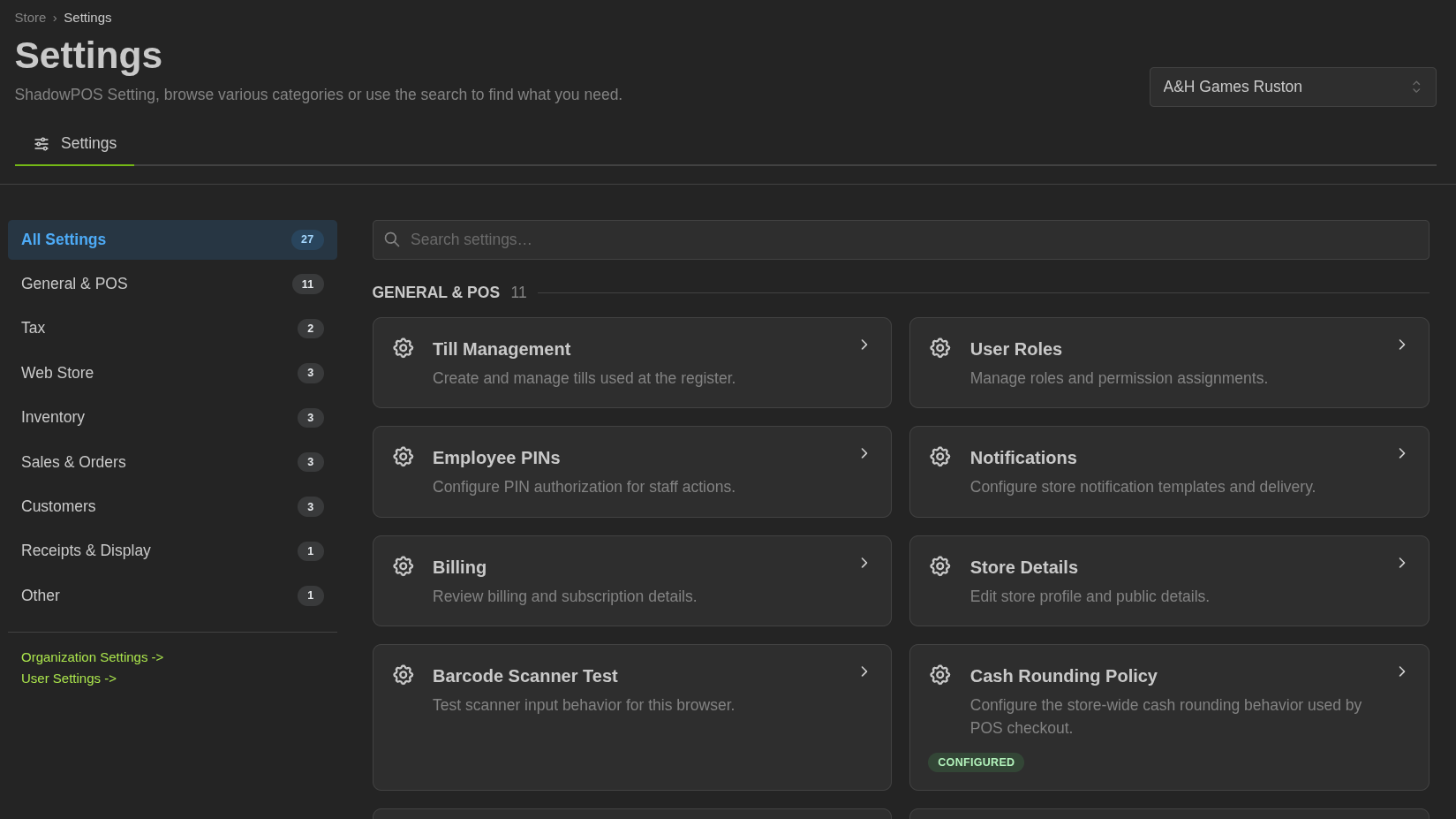
Store settings now open into a guided settings hub instead of the ever growing chaotic list. Settings are grouped by area, searchable, and linked in multiple places for ease of use. You can also quickly find all of the settings inside the OmniSearch (ctrl + k).
Settings: Store Settings.
PayPal shipping updates
Shipped PayPal checkout now sends the delivery address to PayPal and stores seller-protection details returned from capture. When tracking is added later, ShadowPOS can also send those tracking updates to PayPal in the background for shipped PayPal orders.
Webstore and catalog search polish
Mobile webstore navigation now handles wide store logos better, keeping menu controls inside the viewport on narrow screens.
Catalog price sorting is also more accurate for variant-heavy products. When a search is scoped to a variant option such as Foil, or to variants with inventory, the price sort now uses prices from the matching variant path instead of letting unrelated variants control the order.
POS and inventory safeguards
Cart quantities now reject decimals, and the POS quantity selector prevents decimal entry. This keeps cart math and inventory movement aligned with whole-item quantities.
Price and cost fields are easier to overwrite: clicking into cart price, line total, or product money inputs selects the whole current value, so typing a replacement no longer inserts digits into the middle of the old amount.
Custom line items no longer create inventory transfers for the shared placeholder variant. Accounting behavior for custom item costs remains intact, but custom sales and buys no longer pollute placeholder stock movement.
Customize Product Settings on ShadowPOS catalogs
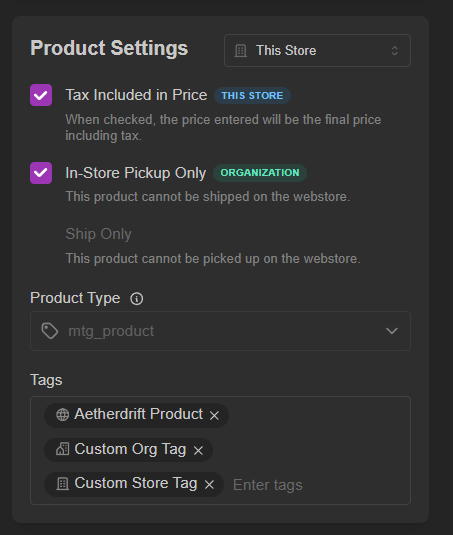
Stores can now adjust Product Settings on ShadowPOS-managed catalogs without taking ownership of the catalog itself. For shared catalogs like MTG and Pokemon, ShadowPOS keeps the global product data intact while your store can overlay Tax Included in Price, In-Store Pickup Only, Ship Only, and Tags for local behavior.
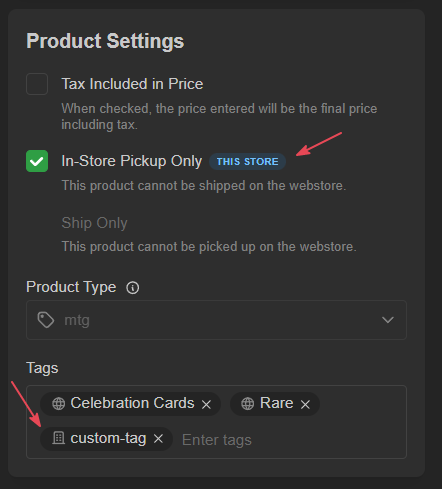
Multi-store organizations can also manage these settings at the organization level when that scope is available, so shared rules can apply across stores without editing the global catalog.
Bulk updates now run as background jobs
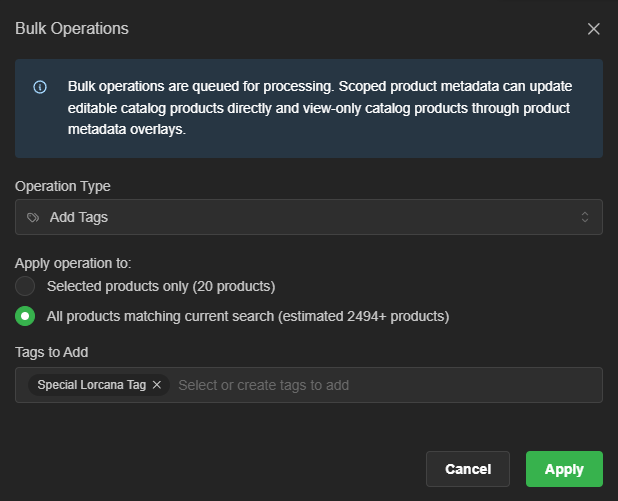
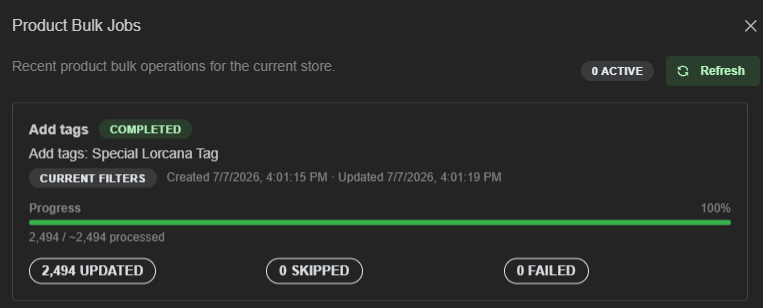
The Products bulk update tool was reworked for larger catalog changes. Tag updates, archive and unarchive, Product Settings, sales channel changes, and product type changes now queue in the background instead of trying to finish inside one browser request.
You can run a bulk update against selected products or the current product filter, then use Bulk Jobs to track progress, updated/skipped/failed counts, and errors. Bulk Product Settings follow the same scoped rules as single-product edits, so shared ShadowPOS catalog products can receive store or organization overlays where appropriate.
Also included
- Customer Display Template editing is fixed in light mode; the Liquid editor now handles shorthand theme colors safely.
- Settings entries are available through OmniSearch, including the new management tiles and visible store setting schemas.